Our Classes
-
$35 a Class
What’s Included
Guided instruction each week
Sketch Pad
Pencil & Eraser
Practice prompts + mini challenges
Skill-building exercises and creative exploration
Supportive critique and group discussion
Learn how to sketch anything by mastering simple foundations: lines, shapes, light, and observation.
Class 1: How to Hold a Pencil + Line Control
Skill Focus: Comfort & Confidence
-Pencil Grips
-Light vs dark pressure
-Straight lines, curves, circles
Class 2: Seeing Shapes (Drawing What You See)
Skill Focus: Observation
-Breaking objects into circles, boxes, cylinders
-Big shapes before details
Class 3: Contour Drawing (Slowing Down)
Skill Focus: Hand-eye coordination
-Continuous line drawing
-Blind contour drawing
Class 4: Value Basics (Light & Dark)
Skill Focus: Making sketches feel 3D
-Value scale
-Light source basics
Class 5: Shading Techniques
Skill Focus: Control
-Hatching
-Cross-hatching
-Blending vs. layering
Class 6: Edges & Depth
Skill Focus: Focus & Clarity
-Soft vs hard edges
-Background vs. subject
Class 7: Measuring & Proportion
Skill Focus: Accuracy without stress
-Pencil measurement technique
-Comparing heights and widths
Class 8: Perspective Basics (Foundational)
Skill Focus: Depth made simple
-Horizon line
-One-point perspective
Class 9: Texture Through Line
Skill Focus: Suggesting texture
-Wood, metal, fabric, organic textures
Class 10: Simplifying Complex Objects
Skill Focus: Confidence with “hard” things
-Turning complex objects into shapes
Class 11: Composition Basics
Skill Focus: Making sketches look intentional
-Placement
-Overlap
-Cropping
Class 12: Putting It All Together
Skill Focus: Trusting fundamentals
-Student chosen object
-Completing sketches using all basics
-
$35 a class
What’s Included
Guided instruction each week
Live demos using digital art tools
Practice prompts + mini challenges
Skill-building exercises and creative exploration
Supportive critique and group discussion
What Students Need to Bring
Tablet (iPad or similar)
Stylus (Apple Pencil or equivalent)
Digital drawing app (Procreate, Adobe Fresco, or similar)
Fully charged device
Class 1 - Digital Sketching, Reimagined
Focus: Translating traditional sketching skills to digital
Brush settings, pressure sensitivity, and sketch layers
Finding your “digital pencil”
Warm-up sketch challenges
Class 2 - Line Confidence & Expressive Mark-Making
Focus: Clean vs expressive digital lines
Line weight, tapering, and rhythm
Gesture drawing in digital format
Speed sketching exercises
Class 3 - Working in Layers (Without Overthinking It)
Focus: Smart layer habits for sketchers
Sketch → refine → finalize workflows
Non-destructive editing
Layer organization that saves time
Class 4 - Digital Shading & Depth
Focus: Turning sketches into dimensional drawings
Value, light direction, and digital shading styles
Soft vs textured shading
Brush modes for depth and contrast
Class 5 - Exploring Digital Art Modes
Focus: Using blend modes and opacity creatively
Multiply, Overlay, Alpha Lock (without overwhelm)
Adding depth, glow, and mood
Experiment-driven class
Class 6 - Texture & Brushes That Add Personality
Focus: Custom and built-in brushes
Creating texture digitally
When to keep it loose vs polished
Brush-play sketch session
Class 7 - Color for Sketch Artists
Focus: Moving from monochrome to color confidently
Limited palettes
Color harmony tools
Sketching directly in color
Class 8 - Character & Object Sketching Digitally
Focus: Style development
Characters, objects, or animals
Shape language and exaggeration
Expressive digital sketch studies
Class 9 - Backgrounds & Environments (Made Simple)
Focus: Supporting your subject without overwhelm
Loose background sketching
Depth and perspective shortcuts
Texture-based environments
Class 10 - Speed Sketching & Workflow Boosts
Focus: Drawing faster and smarter
Timed sketch challenges
Gesture + refinement workflows
Productivity tools in your app
Class 11 - Developing a Digital Sketch Style
Focus: Finding your look
Studying influences
Stylizing line, texture, and color
Cohesive sketch series exercise
Class 12 - Final Sketch Project + Share
Focus: Pulling it all together
Create a finished digital sketch or mini series
Group share and feedback
Tips for continuing your digital art practice
Explore Our Packages
6 Art Classes Pack
12 Art Classes Pack
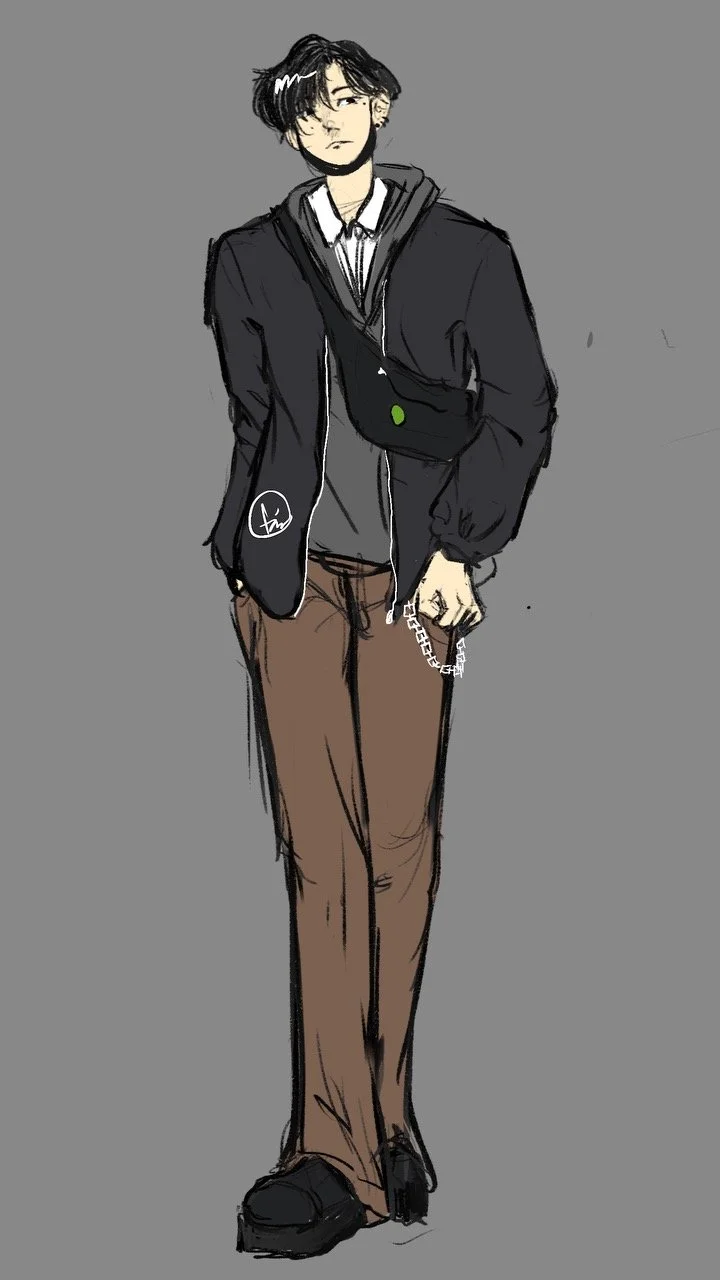
Mark your calendars for new weekly offerings from the smart and talented Tao Leavitt!